শুভ নববর্ষ
MOYNA IMAGE EDITOR
Put perfect Bangla on any photo.
Type below and watch it appear on the picture — correct যুক্তাক্ষর and all. Drag it where you like. This is the real editor, running right here.
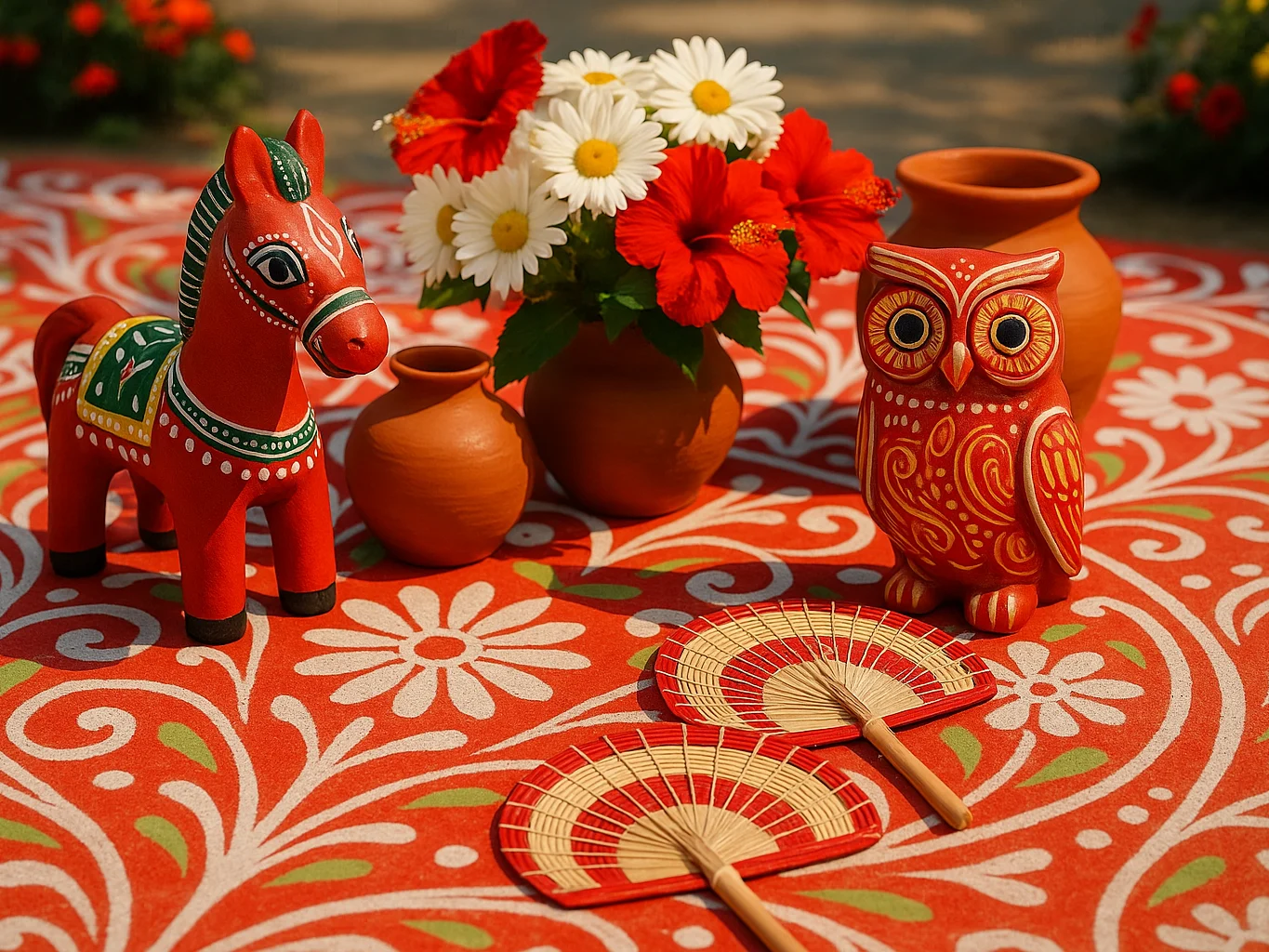
শুভ নববর্ষ
↑ type Bangla or English · drag the text · tap a look
Ready all year
Your whole Bangladeshi year, already designed.
Boishakh to Eid, Puja to wedding season — for every moment there's a ready design with perfect Bangla type set on a real photo. Moyna even knows which season you're in.
রমজান মোবারক
ঈদ মোবারক
শারদীয়ার শুভেচ্ছা
বিয়ের দাওয়াত
২০% ছাড়
Your moment
Your photo, your words — add any occasion.
THIS IS THE STUDIO
A real editor, built for Bangla.
Everything a shop or creator needs — text, layers, background removal, filters, crop, shapes — in one clean studio that works beautifully on a phone.
 Moyna
eid-offer.png
Download
Moyna
eid-offer.png
Download
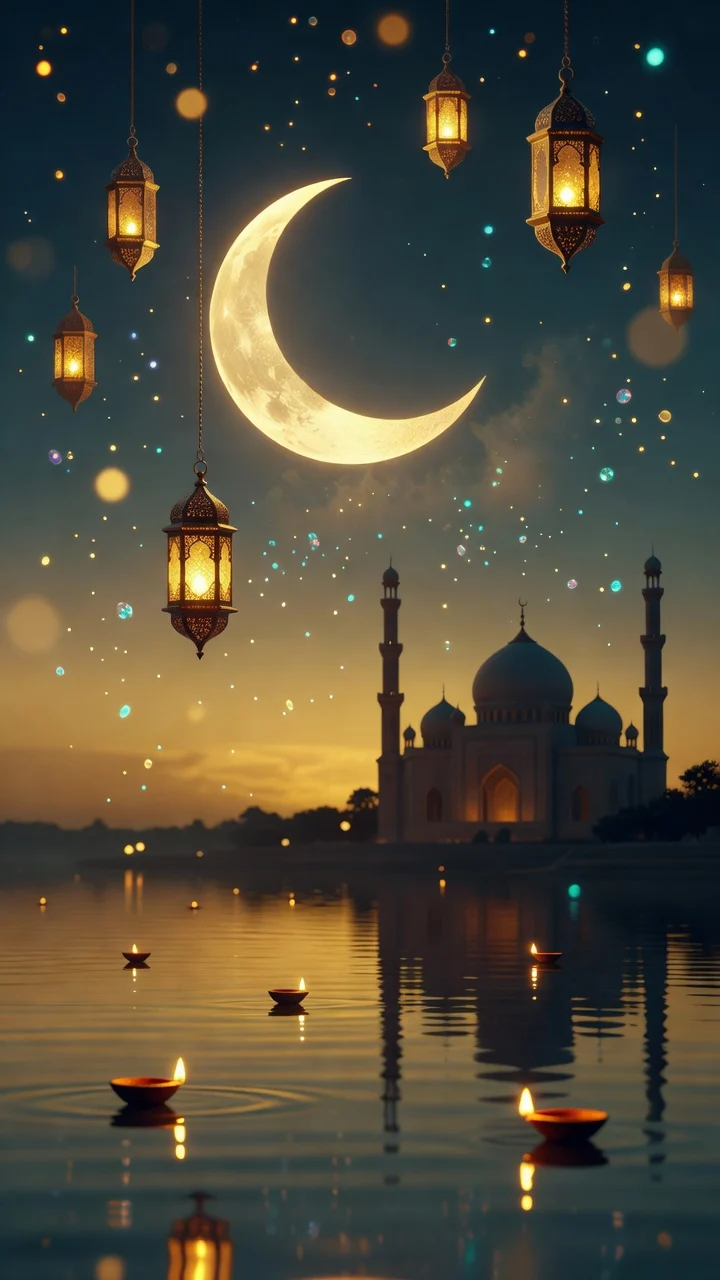
ঈদ মোবারক
START IN ONE TAP
Don't start from blank. Start from a template.
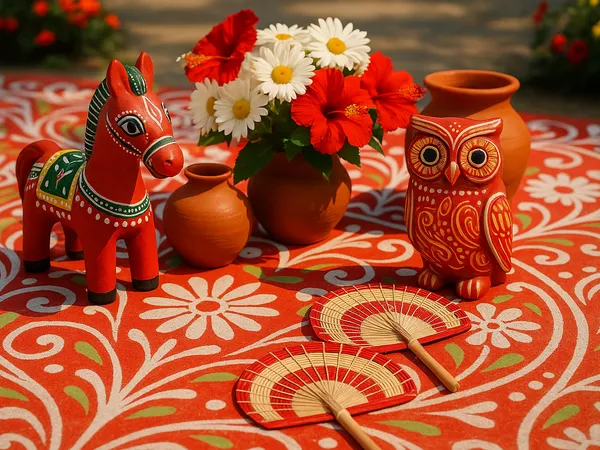
Ready-made Bangla layouts for the moments that matter here — pick one, swap your photo, change the words, done.
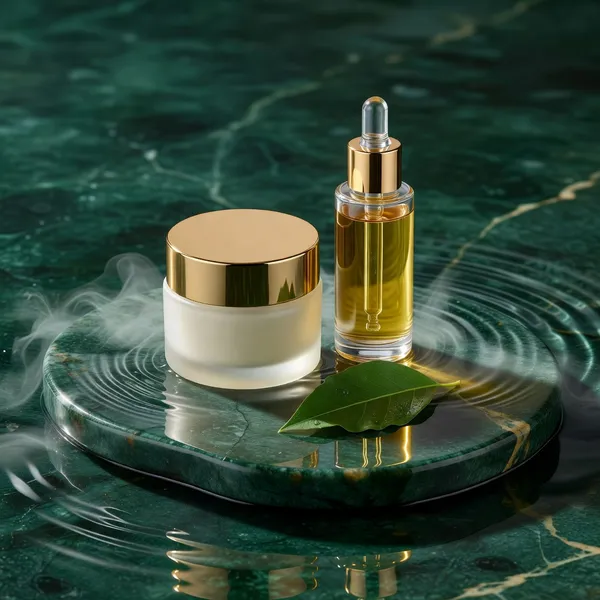
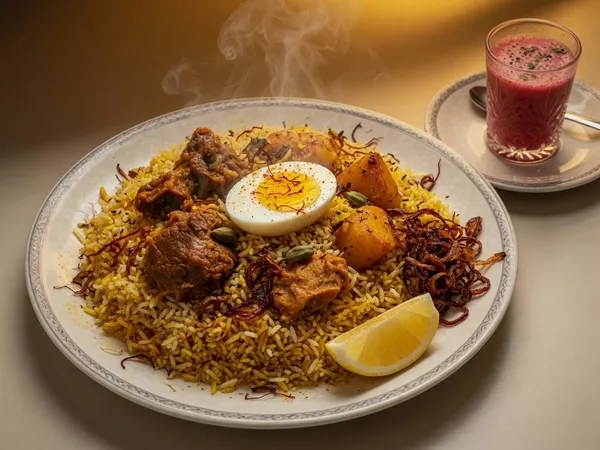
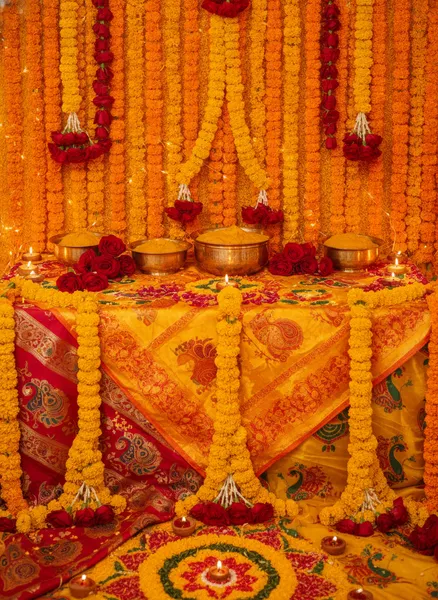
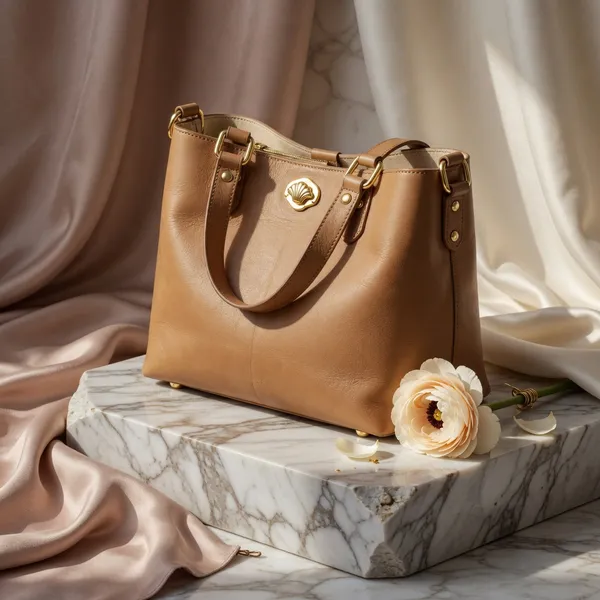
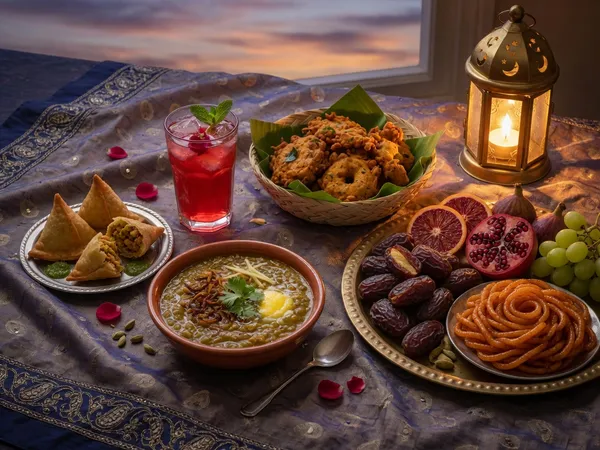
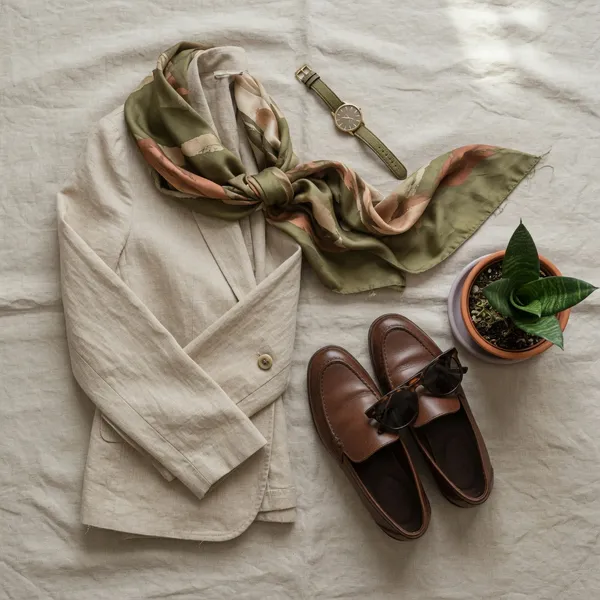
FOR THE FACEBOOK SELLER
A phone snapshot becomes a post that sells.
Snap your product, drop it in, add a Bangla price and offer in taka — and it's ready for your page. No designer, no waiting. Drag the line to see it.
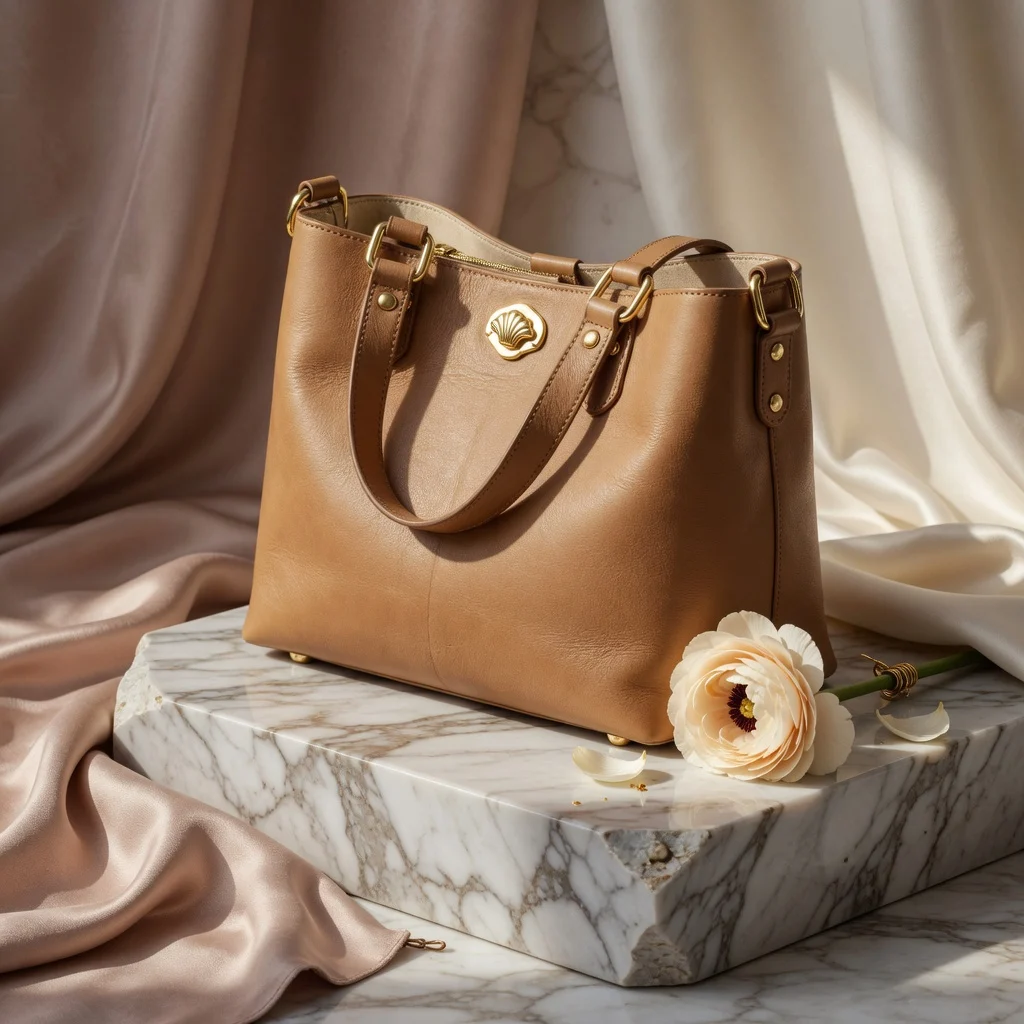 Before
নতুন
৳১,৪৯৯ক্যাশ অন ডেলিভারি · সারাদেশে
↔ drag
THE TOOLS YOU'LL USE MOST
Clean it up, shape it, colour it.
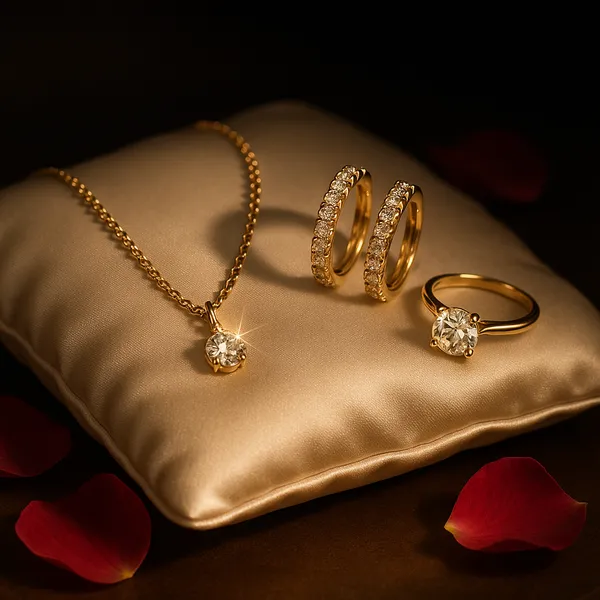 background removed
Remove the background
Lift your product clean off its background in one tap for a crisp catalogue shot.

Crop for where you post
One image, every platform size.
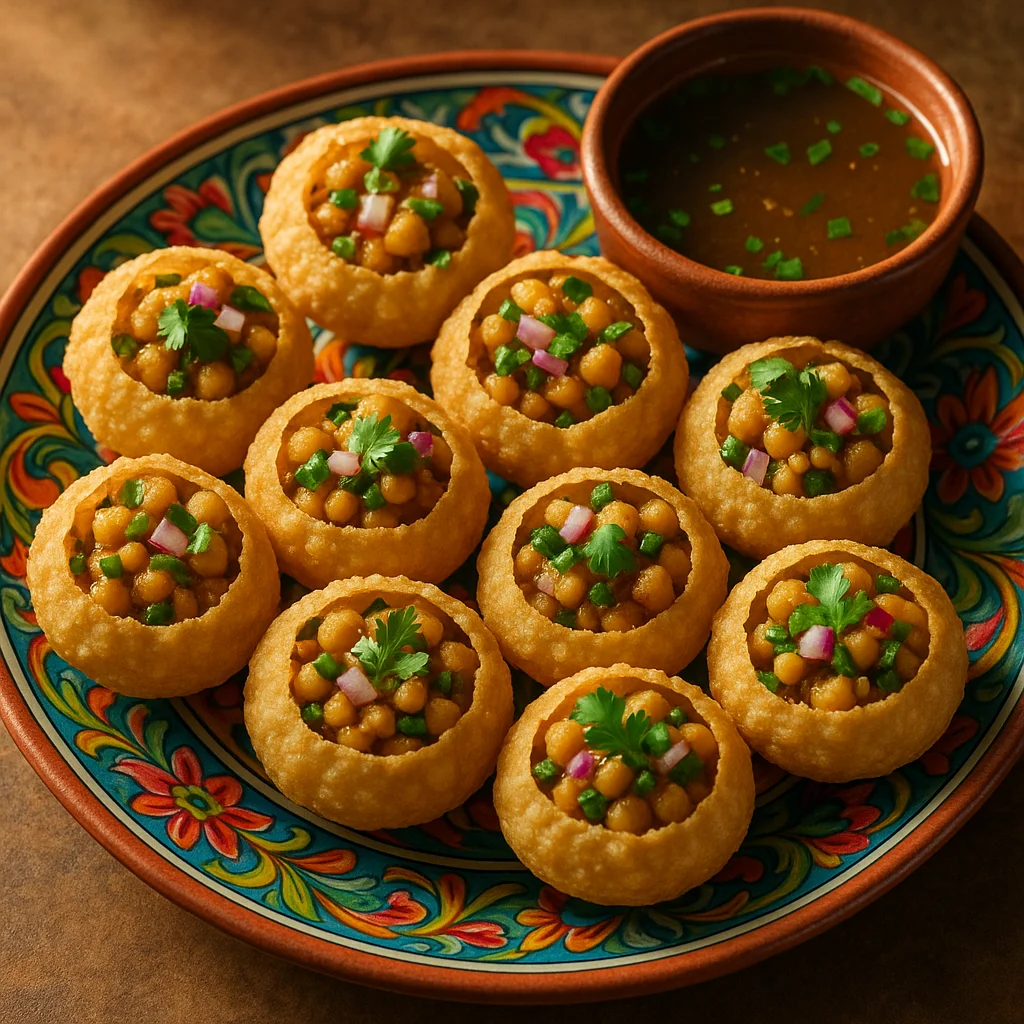
Filters & adjust
Set the mood in a tap.
BUILT FOR BANGLADESH
Made here, for how we actually work.
No watermark
Your export is clean — it's your work, not our billboard.
Bangla, first-class
The whole studio is bilingual, and Bangla text renders perfectly.
Works on any phone
Light and fast — no heavy app, built for everyday Android.
Your images stay yours
Private by default — download the full-quality original any time.
IN YOUR HAND
The whole studio, one thumb away.
Tap to add text, drag to place, pinch to zoom — a full editor that feels right on the phone where most of Bangladesh already works.
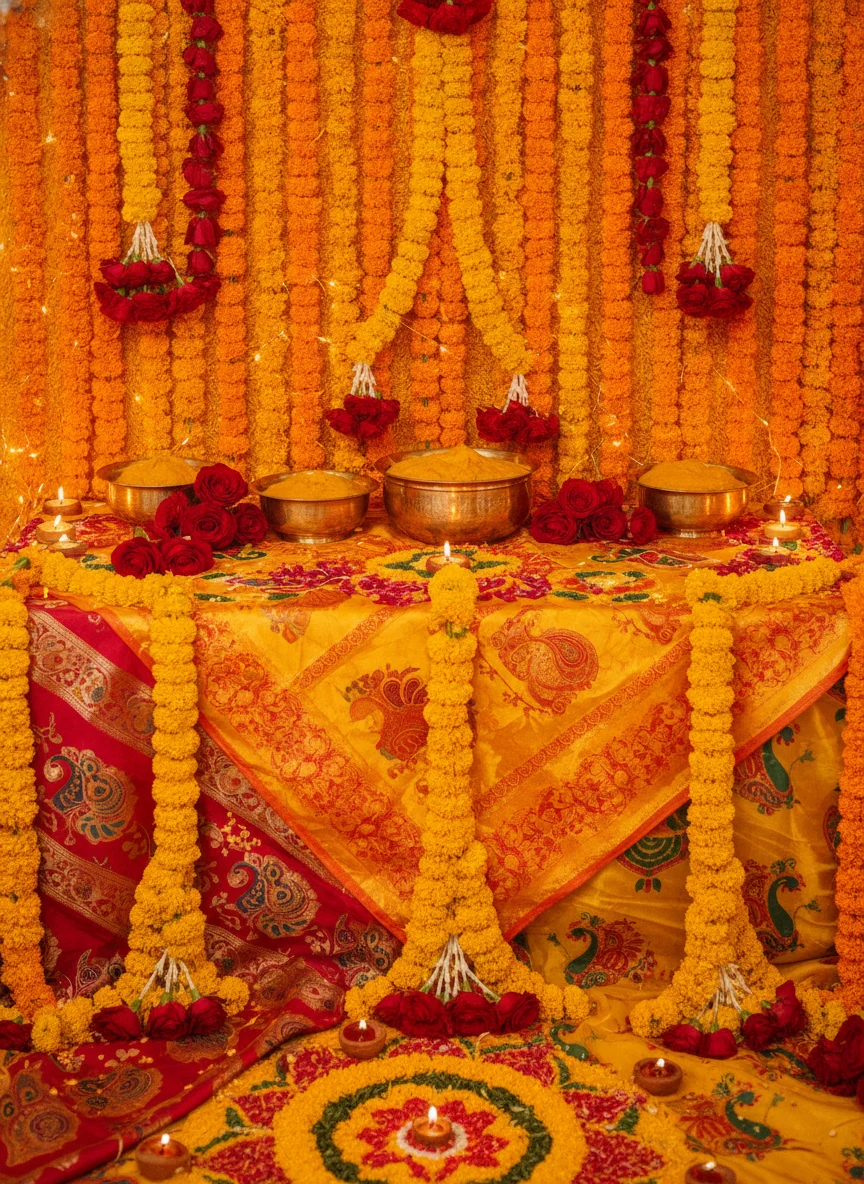
শুভবিয়ের দাওয়াত
IMAGE EDITOR, ANSWERED
Questions, answered.
Can I really write proper Bangla on a photo?
Yes — try it right at the top of this page. Complex conjuncts (যুক্তাক্ষর), matras (কার) and ZWJ sequences render byte-exact, on screen and in your downloaded image. AI image generators can't do this; Moyna's editor can.
Do I need to sign up to try it?
No. You can add Bangla text to a sample photo — or your own — right here, in your browser, with no account. Open the full editor when you're ready.
Which Bangla fonts can I use?
A curated set of clean, recognisable Bangla display and UI fonts is built in — so your text looks right for greetings, price stickers and posters. Latin fonts are there too for mixed Bangla-English.
Is there a watermark on my images?
No. Your exported image is clean — no Moyna watermark on your work.
What sizes can I make for Facebook or WhatsApp?
Crop to square (1:1) for a post, 4:5 or 9:16 for a story, 16:9 for a banner — then download a full-resolution image ready to post. The Bangla stays crisp at any size.
Can I edit my own photos, not just samples?
Yes. Upload a photo from your phone or computer and add text, remove the background, adjust, crop and more — then download the result.